Back to Work
Skill

Game Design

I design playable experiences — game mechanics, progression systems, and interactions that give people a reason to keep going.

Game design for learning is about the loop: a mechanic that teaches, feedback that responds, and a reason to play again. I build custom games and systems — trivia engines, board games, achievement tracks, leaderboards — that turn an assessment or a concept into something people choose to finish.

StorylineHTML5JavaScriptGame MechanicsLeaderboardsAchievementsInteractivity

Samples

1 / 6

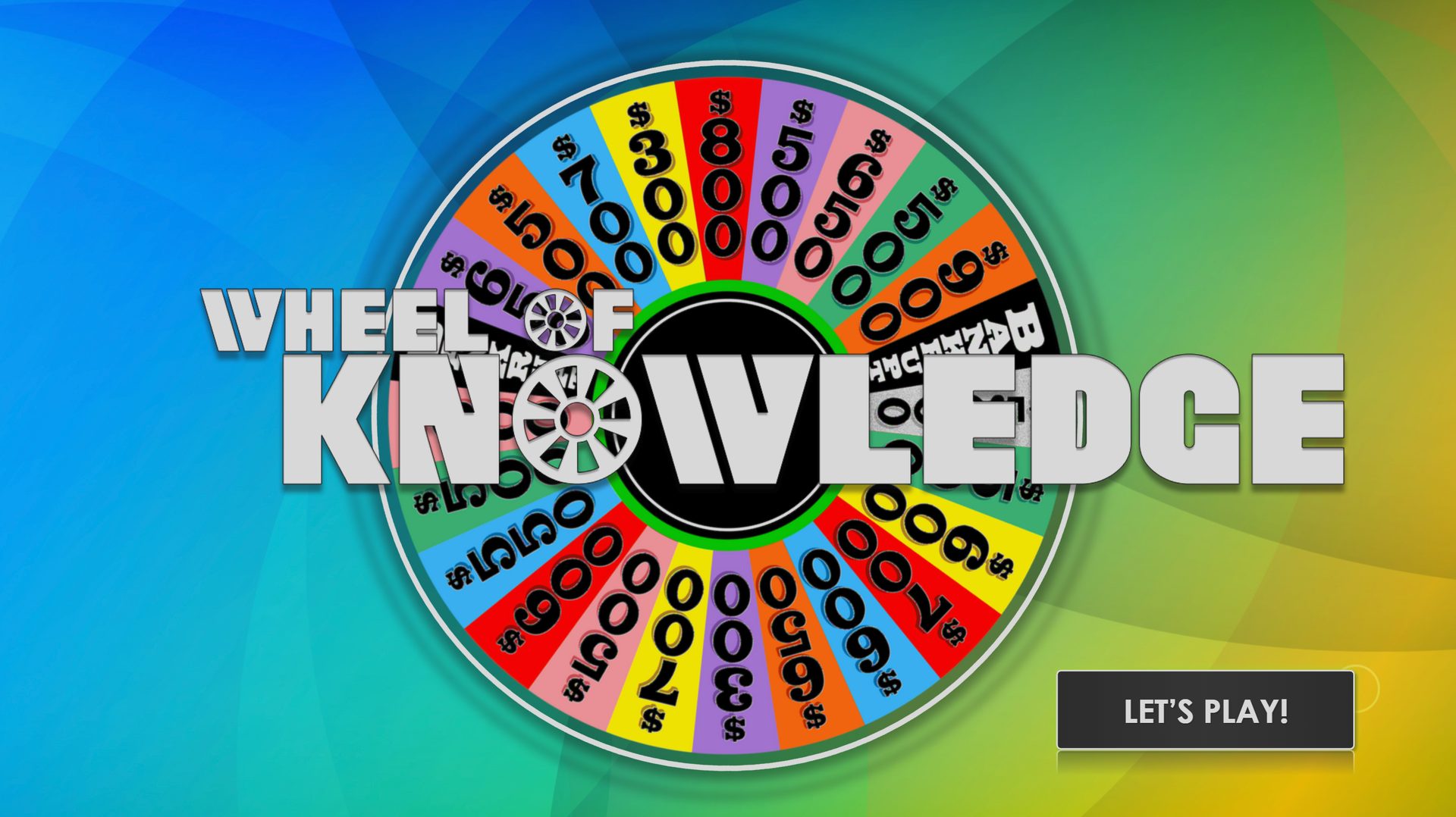
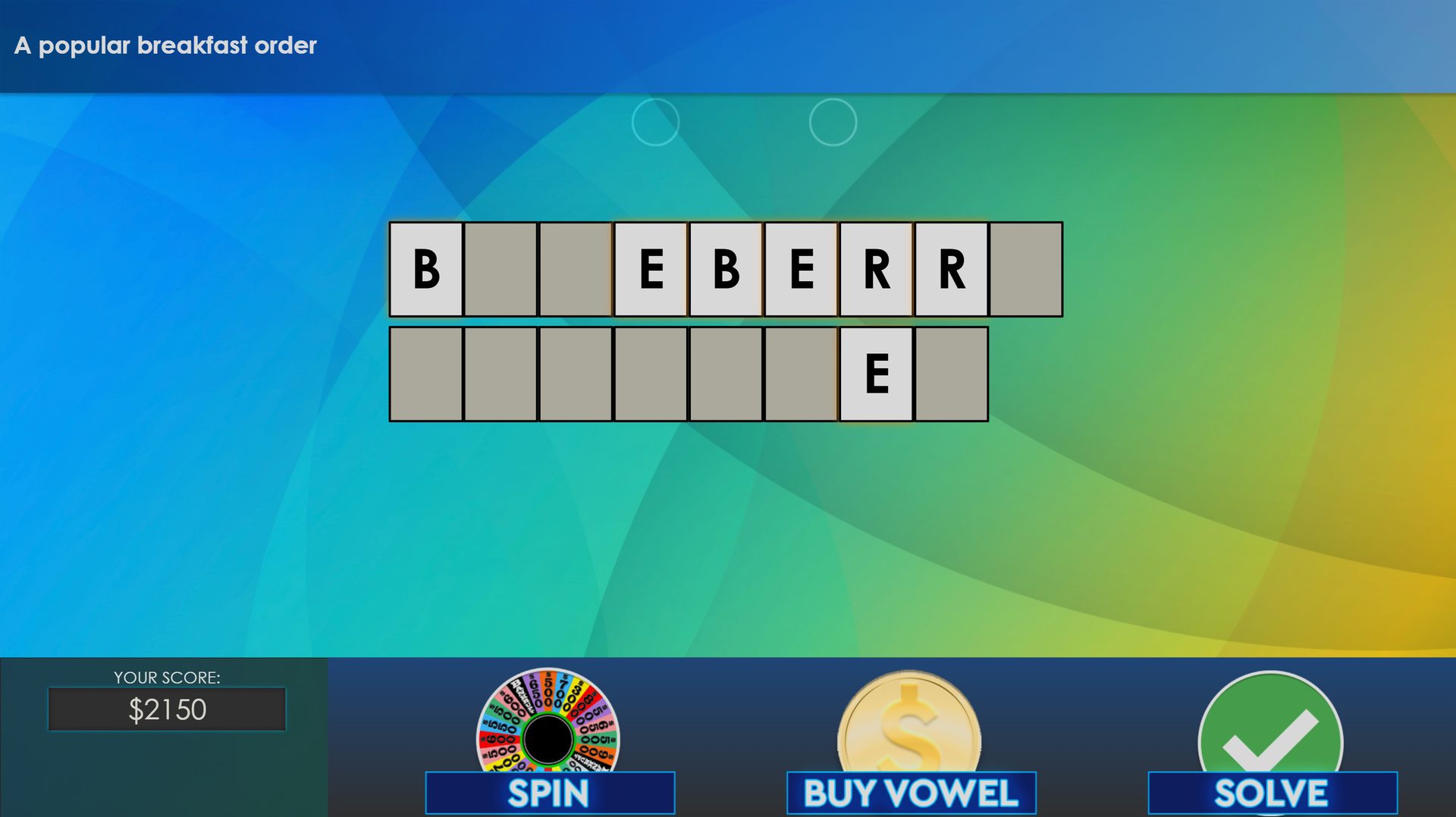
Wheel of Knowledge game

Wheel of Knowledge

In-Depth Use Cases

Two builds that show how game mechanics scale — a reusable trivia engine, and Brain Freeze, a 3D board game with a live leaderboard.

Case 01 / 02

Wheel of Knowledge

StorylineGame EngineTriviaRapid Development

The Project

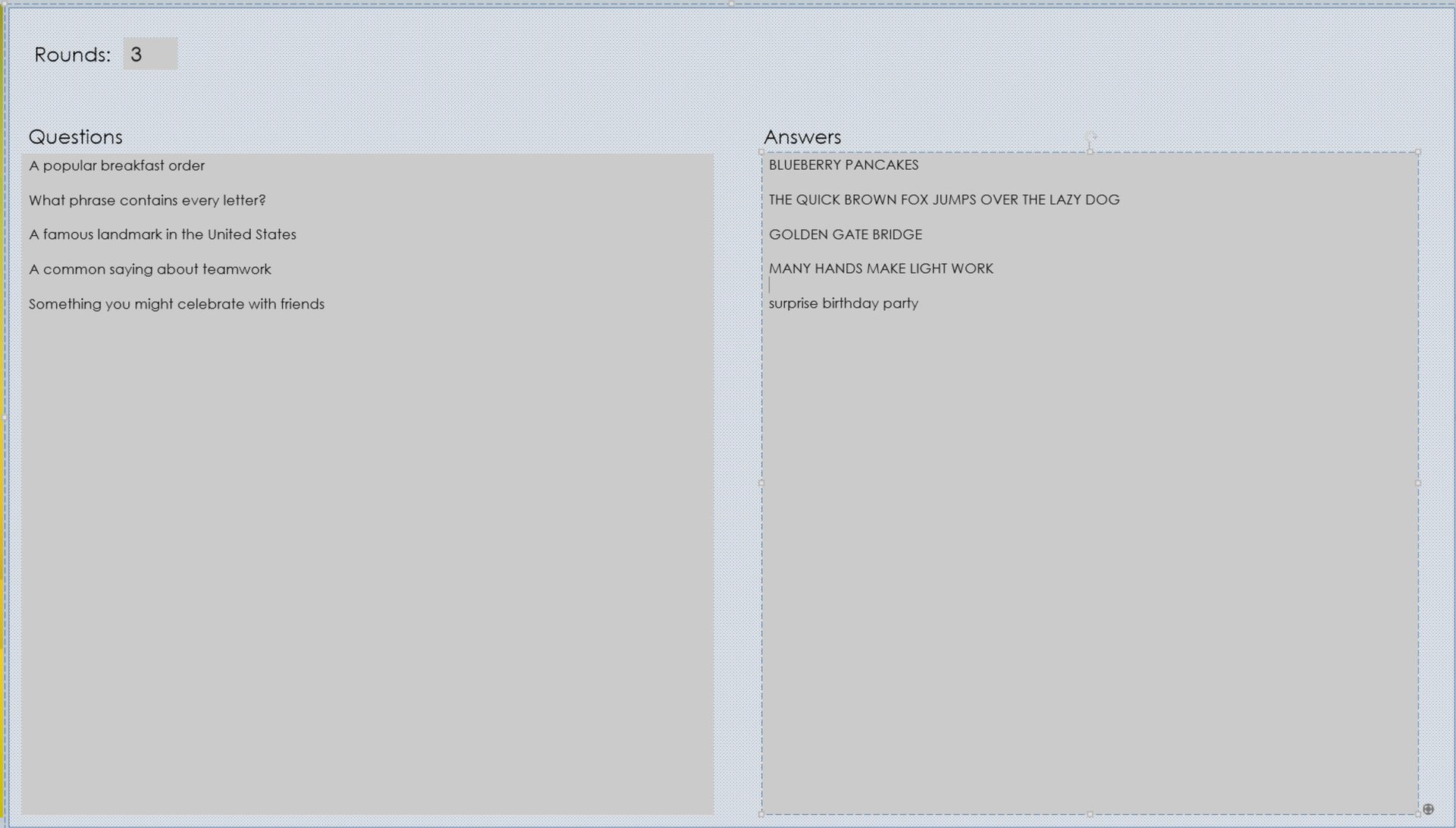
A full, dynamic trivia game engine — think Wheel of Fortune for eLearning Development. Learners spin for a value, buy vowels, and solve the puzzle. Under the hood it’s a reusable template: any Storyline developer on the team can open the source files, drop their own questions and answers into a text form, and publish a completely new game without rebuilding the experience.

Business Purpose

The business needed gamified knowledge checks across multiple teams and topics, but custom game builds weren’t scalable. Every new trivia experience was starting from scratch. Wheel of Knowledge was one investment: a single engine the whole team could reuse, so a fresh game was a content update — not a new development project.

My Role

I owned the game from concept through publish — the wheel, scoring, puzzle layout, and the authoring workflow that made it reusable. I designed the player experience, built the Storyline source files, and wrote the JavaScript that reads the question form and generates the entire game so other developers could ship new versions without touching the engine.

The Build

The engine lives in Articulate Storyline with a JavaScript layer behind it. Authors open a simple text form, enter a round count plus their questions and answers, and publish. On launch, the engine reads that form data and dynamically builds screens, puzzle boards, scoring, and flow — no restitching slides by hand. One source file becomes any number of trivia games.

Impact

The engine became the team’s default trivia format. Instead of a custom game for every new topic, developers filled out a form and published — a multi-week build turned into a same-week content update. That reuse paid for the original development several times over, and learners kept getting a polished game instead of another static quiz. Knowledge checks that used to feel like homework started getting finished because they were actually fun to play.
Case 02 / 02

Brain Freeze

Cinema 4DAdobe AnimateHTML5Google Sheets

The Project

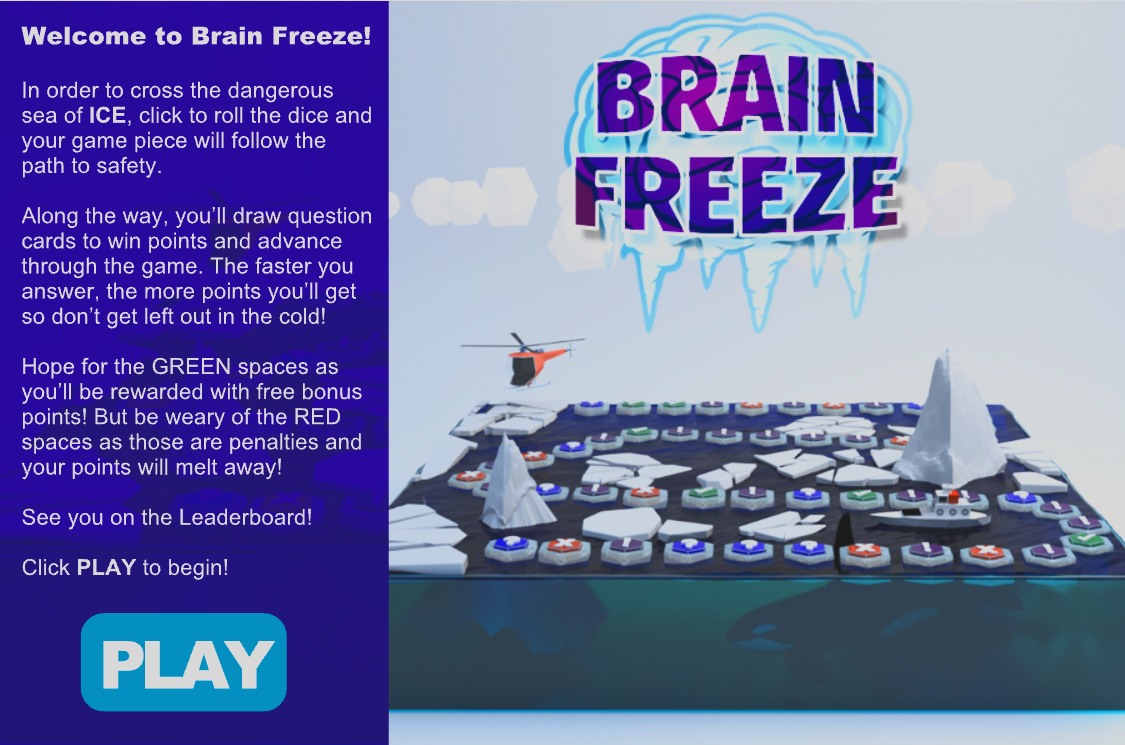
Brain Freeze is a custom 3D board game built to assess knowledge of ICE, an internal software tool. Learners click to roll the dice and their piece advances across a frozen sea. The color of the space they land on decides the challenge: a multiple-choice question, a visual image hotspot, or a random gain or loss of points. Green spaces award bonus points; red spaces melt them away. At the end, their name and score hit a live leaderboard.

Business Purpose

The team needed a way to introduce ICE’s features and functionality without a dry assessment. Brain Freeze turned product knowledge into play — chance, variety, and a reason to come back — so people would actually finish (and often replay) what was essentially a knowledge check on the tool.

My Role

I designed Brain Freeze end to end — the ICE-themed world, the 3D board in Cinema 4D, the interaction (dice, movement, card draws, scoring), and the HTML5 build in Adobe Animate. I also designed and wired the live leaderboard — sending each player’s name and score to a Google Sheet, sorting it, and reading the top 10 back into the game.

The Build

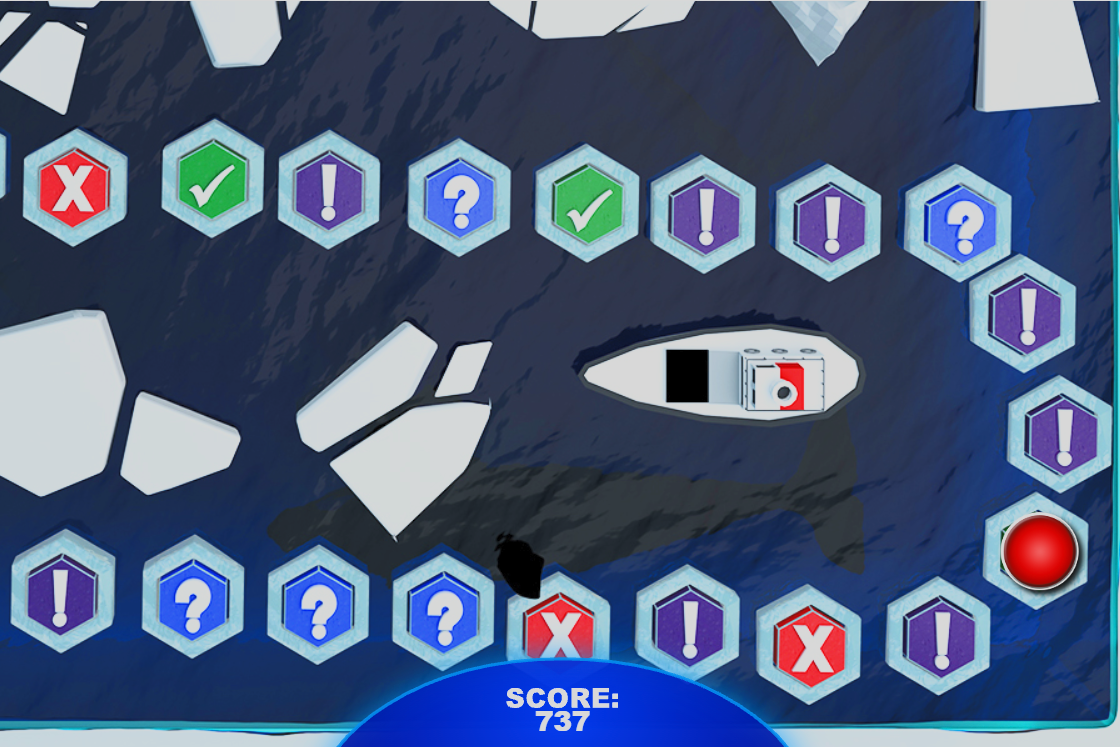
The board is a Cinema 4D model — icebergs, a ship, and a frozen path of hex spaces — then built out in Adobe Animate for HTML5 output. A click rolls the dice and advances the piece. Landing color determines the challenge type: questions and hotspots to check ICE knowledge, green bonus spaces, or red penalties. After the last space, the player’s name and score write out to a Google Sheet used as a custom leaderboard. That sheet is sorted and read back into the game to display the top 10 overall scores.

Impact

The leaderboard did what a mandatory quiz rarely does: people came back on their own. Learners replayed an ICE assessment multiple times to climb the top 10, which meant they were practicing product knowledge without being assigned a retake. Feature adoption stuck because the game made the tool memorable, and the scoreboard turned a software rollout into something people talked about at their desks instead of something they clicked through once and forgot.

Brain Freeze title screen with 3D game board
Overhead view of the Brain Freeze board and score
Brain Freeze penalty screen