Back to Work
Skill

Visual Design

I design still imagery — visual identity, campaigns, and 3D renders that hold up on a screen, in print, or as a standalone piece.

Visual design covers the still image side of the work. Branding and identity systems, layout and editorial, photo compositing, and 3D rendered scenes and sculptures. The through-line is designed images that work at any scale — a logo, a campaign, or a finished render.

PhotoshopIllustratorInDesignzBrushCinema 4DBranding3D Stills

Samples

1 / 6

Navigate conference wall covering

Navigate

In-Depth Use Cases

Two systems — a full brand kit for an on-campus leadership conference, and the monthly magazine that started Creative Itches.

Case 01 / 02

Navigate: People Leader Conference

IllustratorBrand KitPrintSignage

The Project

A full brand kit for Navigate 2026, an on-campus leadership conference. Logo, print materials, signage, PowerPoint templates, and digital display graphics — designed as one system so the event looked like itself in every room. I worked with an external printer on the wall coverings and campus signage, and built every mark and asset in Adobe Illustrator as full vector artwork so the same graphics could go to a screen or a wall without being redrawn.

Business Purpose

A leadership conference on campus falls apart the second the rooms, decks, and signs don’t match. Navigate needed to feel like a real event — not a stack of mismatched slides and paper printouts. One brand, everywhere: walls, wayfinding, presentations, and screens.

My Role

I designed the kit end to end — logo, layout system, print, signage, presentation templates, and digital displays. I specced and partnered with an external printer on the large-format wall coverings and campus signage, and kept every asset in Illustrator so production never had to choose between digital and print.

The Build

Everything starts as vector in Adobe Illustrator: the logo, the lockups, the signage, the display graphics. From there it scales — PowerPoint templates for speakers, print for programs and materials, large-format wall coverings with the printer. One file, many outputs. No raster logos blown up on a wall. No one-off decks that wander off-brand.

Impact

The campus read as one event. Speakers showed up with templates instead of inventing a look per session, wayfinding actually way-found, and the walls did the branding so the rooms didn’t have to. Navigate looked considered — the kind of conference people photograph — and the kit was built so next year’s event doesn’t start from a blank page.
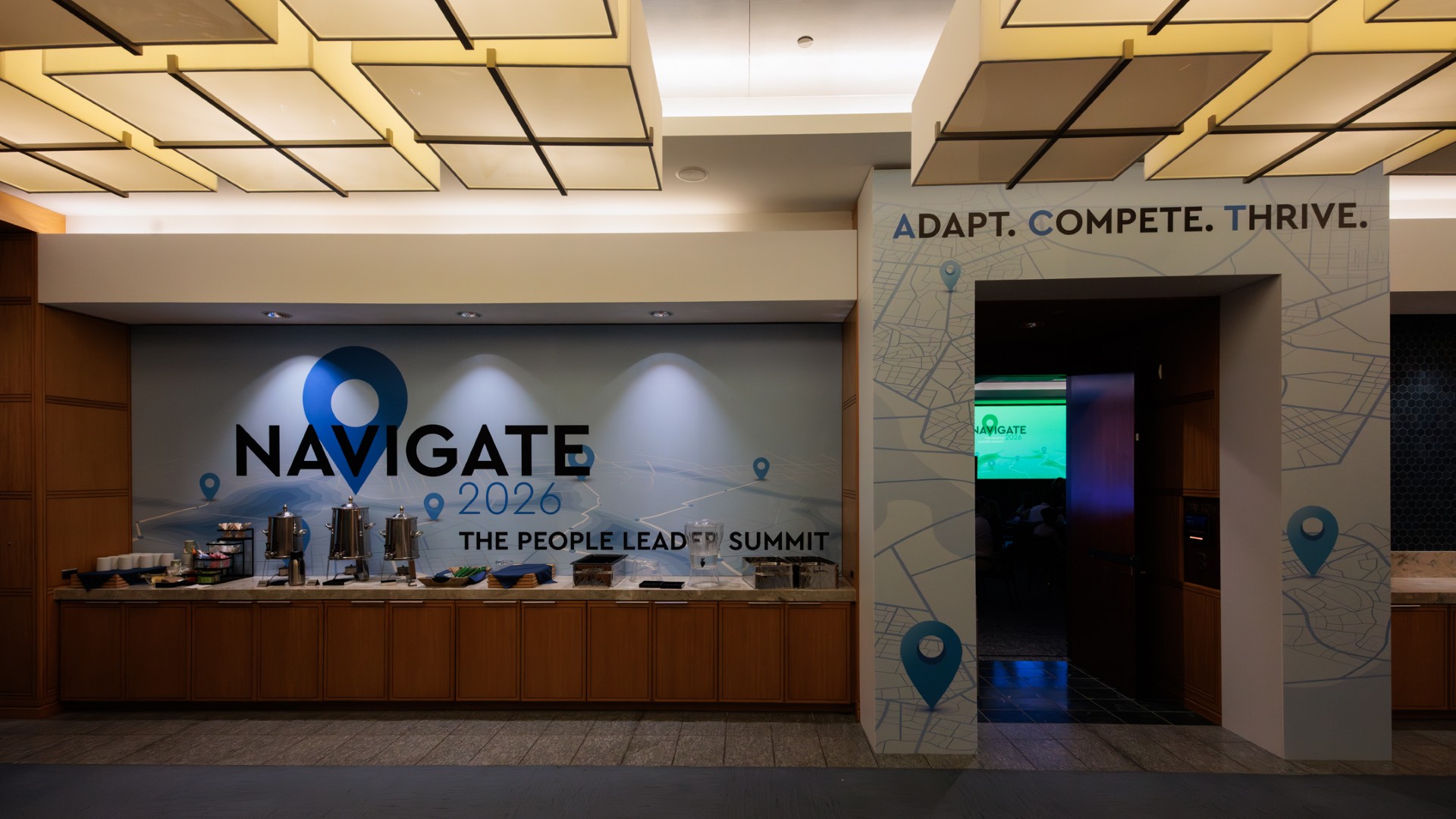
Navigate 2026 wall covering at the People Leader Summit
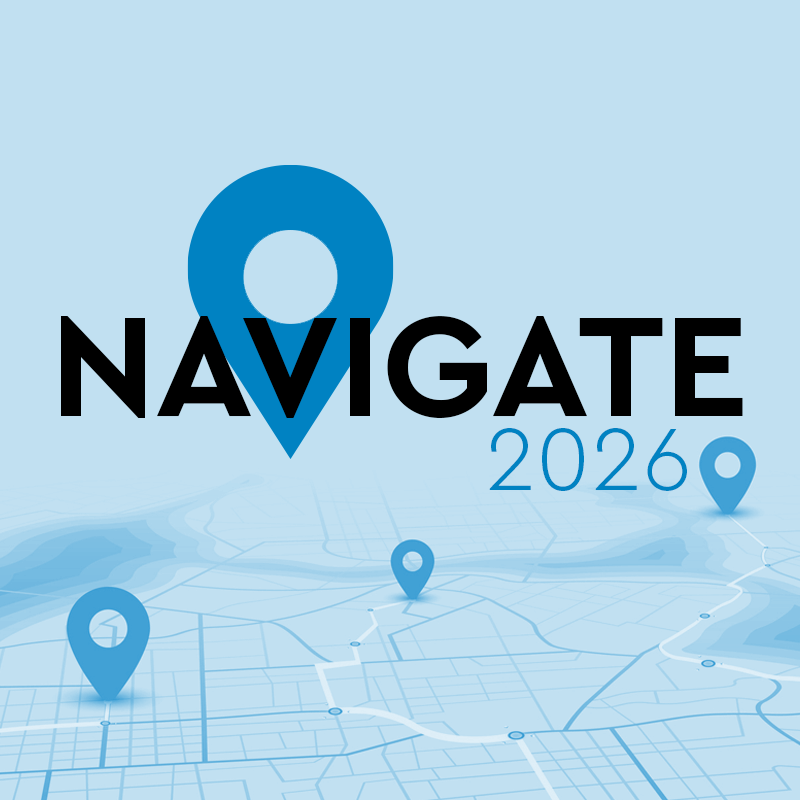
Navigate 2026 logo lockup
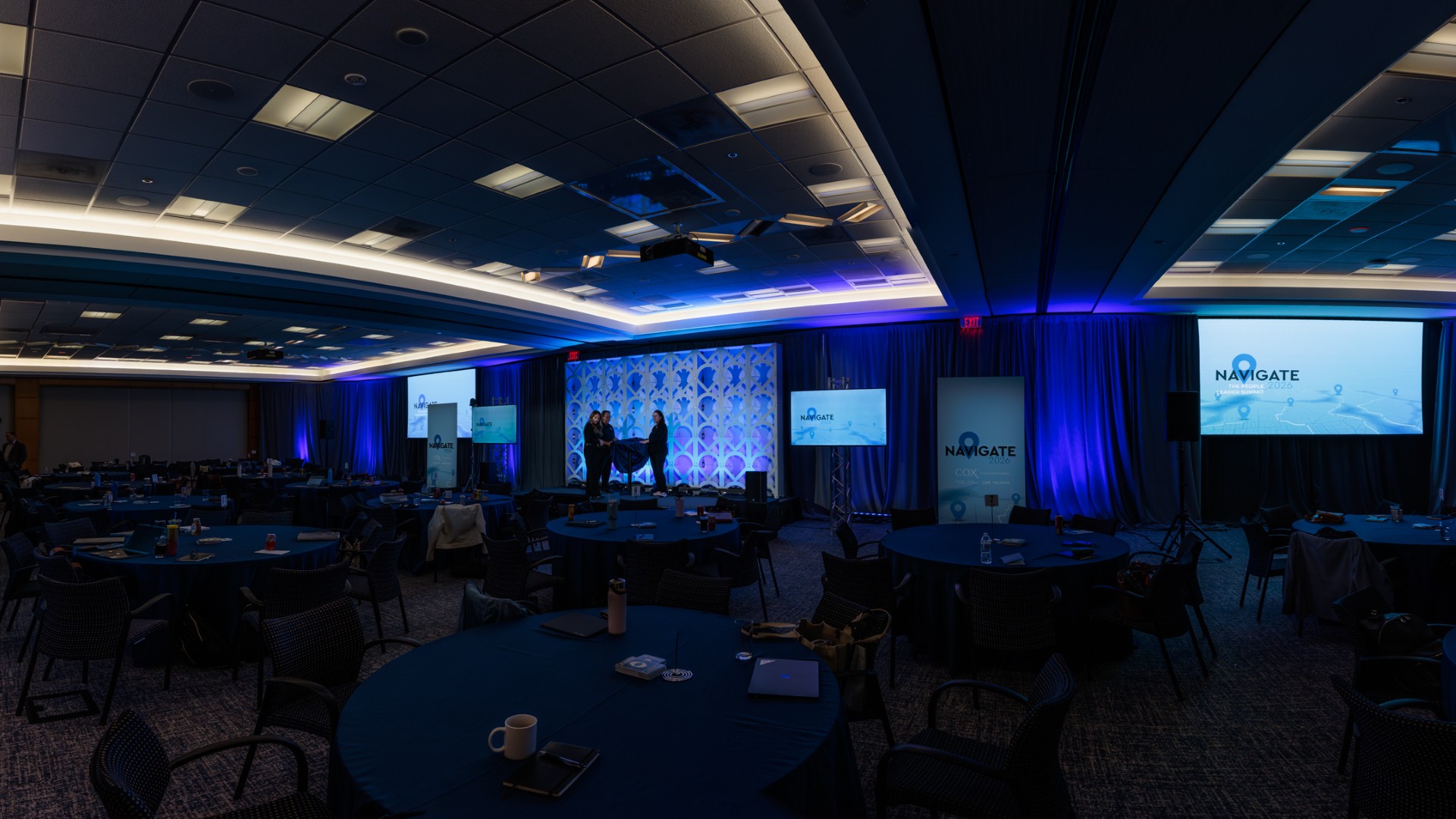
Navigate 2026 ballroom with branded screens and stage

Case 02 / 02

Creative Itch Magazine

InDesignEditorialInteractiveMentorship

The Project

Where it all started. A monthly magazine of design ideas, inspiration, and tips — for anyone curious about graphic design, eLearning Development, motion graphics, and the work around them. I called out new and emerging AI tools, showed examples of previous design work, and published it as an online interactive magazine. Built in Adobe InDesign. A way to mentor my own team, and to pull coworkers and colleagues into the world of design.

Business Purpose

Design skill on a team doesn’t grow from a single workshop. People needed a regular, approachable way in — something they could actually open — that treated design, eLearning Development, and motion as one conversation. The magazine was mentorship at a monthly cadence, not a slide deck that dies in a shared drive.

My Role

I created, designed, and published it. Editorial, layout, the AI-tools beat, the example work, the interactive build. It was how I taught my team in public, and how Creative Itches found its voice.

The Build

Laid out in Adobe InDesign and published as an online interactive magazine — not a flat PDF that gets forwarded once. Spreads for ideas, inspiration, tips, and emerging AI tools, with real examples from previous work so the advice wasn’t abstract. Monthly, so the habit of looking at design became the point as much as any single issue.

Impact

The team had a shared language for design without sitting through another training. Colleagues outside the craft started showing up to the work instead of treating it as someone else’s job. New AI tools landed in context, with examples, instead of as a rumor. And it became the seed of Creative Itches — a monthly reminder that this work is a practice, not a ticket.

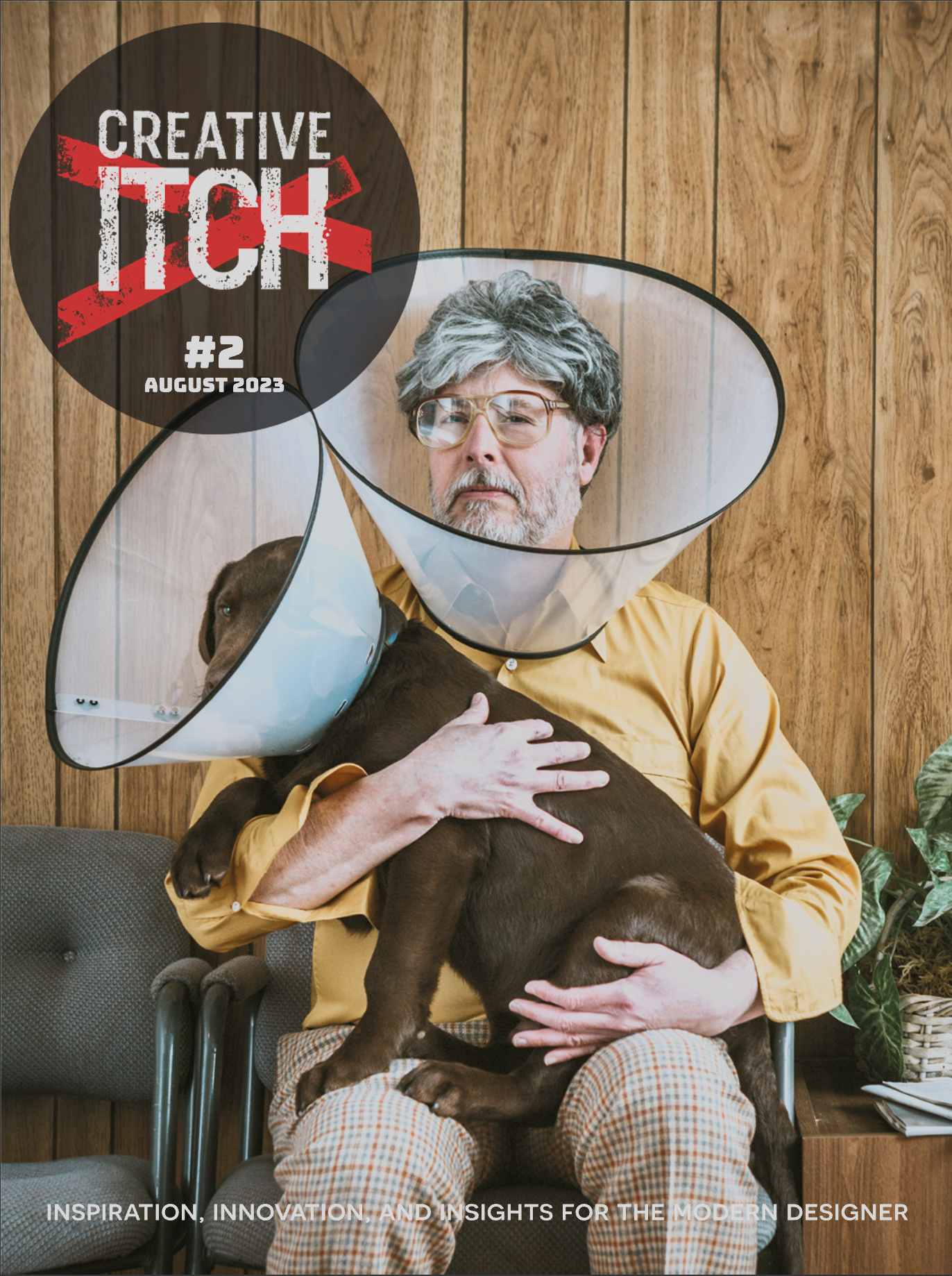
Creative Itch Magazine #2 cover, August 2023
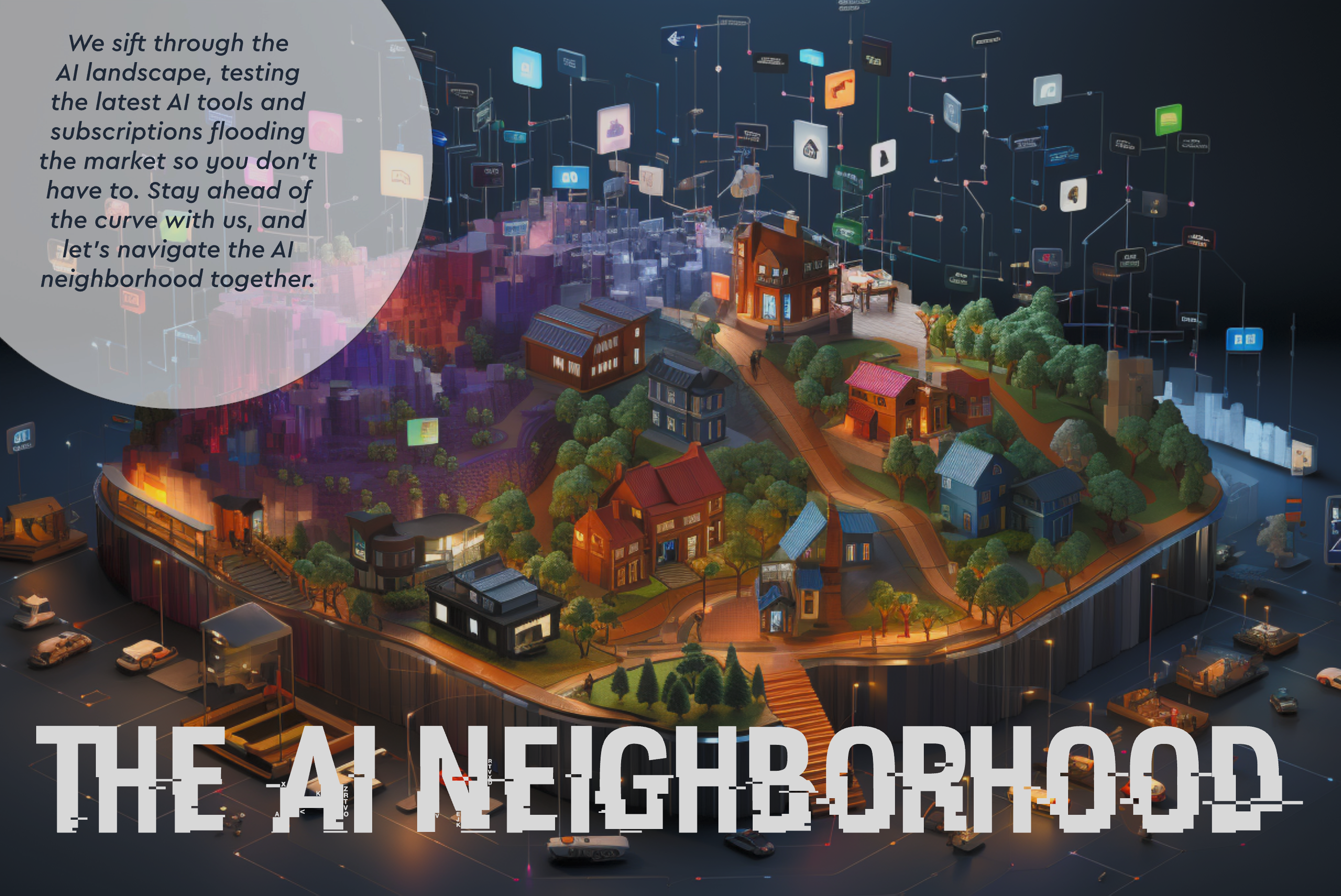
The AI Neighborhood magazine spread
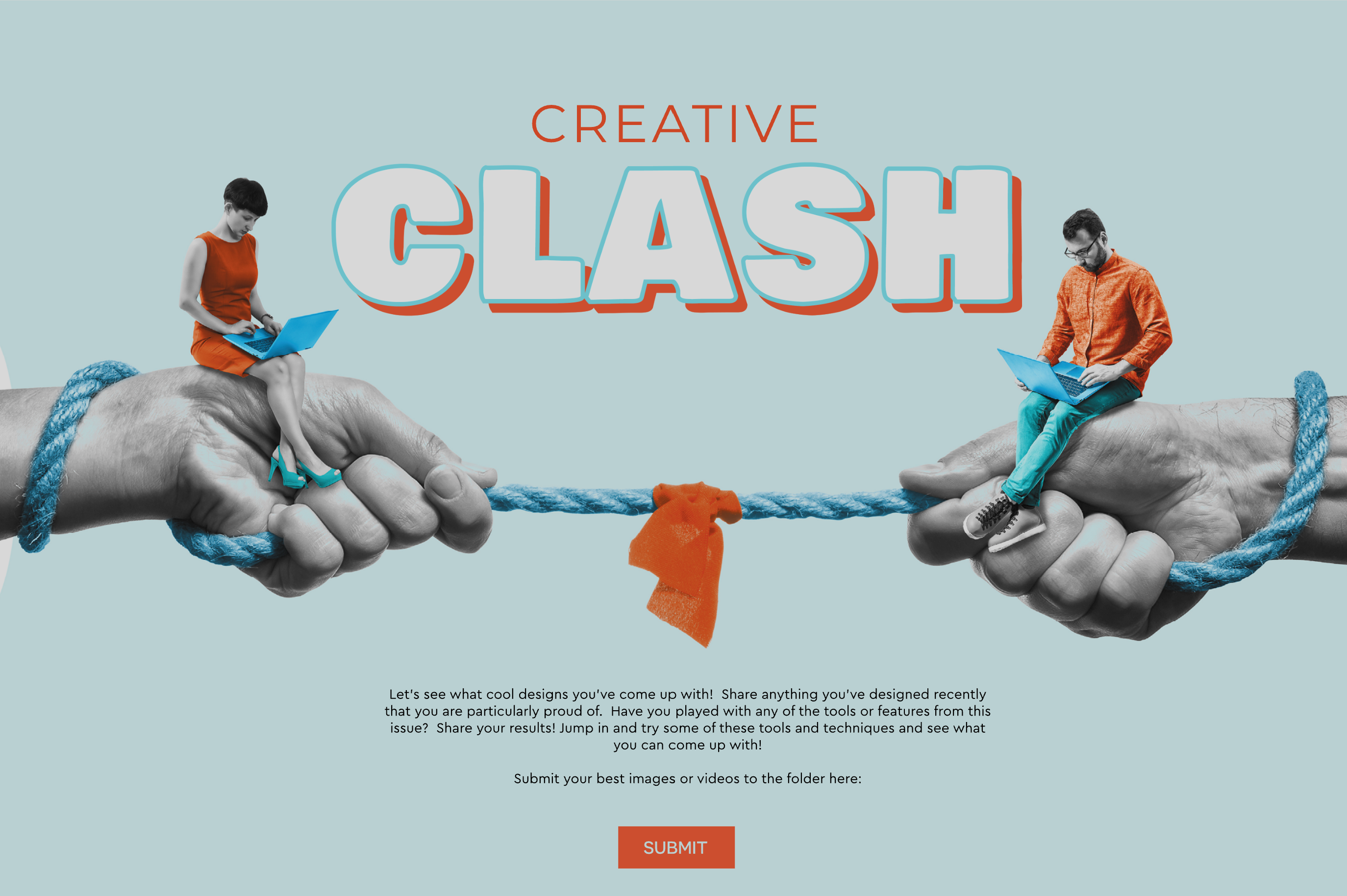
Creative Clash spread inviting reader submissions